Six-Part Series: What Actually Works in AI GTM Creative Generation
I Spent Three Months Trying to Make Marketing Graphics With AI. Here's What Actually Works.

Something most marketers have done a thousand times: right-click on a website, hit “Inspect,” poke around the CSS to understand how a component was built. Colors, fonts, spacing, shadows. All code. What you see on the front end of any website or app is a visual representation of code underneath. We just don’t design that way because we’re not computers. We think in visuals.
I started thinking about this a lot when I realized that the hardest thing to do well with LLMs wasn’t writing or strategy or analysis. It was making things look good. Making ads. Making landing pages that didn’t look like a first draft from a template library. And I was deeply motivated to figure it out, because as a solo Growth operator, the place where I most often had to hire people and had the hardest time doing it alone was in design.
Most designers I know work full time. They don’t take calls that sound like, “I need four hours this week, then nothing for three weeks.” So you end up on Fiverr with mixed results, or you’re hoofing it in Canva for four days straight trying to get campaign assets done on time. Three months ago I decided I was going to figure out how to actually make production-quality marketing graphics with AI. What I found was more interesting, more frustrating, and more rewarding than I expected.
Why Most AI Design Content Is a Dead End
The first thing I noticed is that nobody seems to have a great answer for “how to make good creative with AI” yet. There’s an enormous amount of content about AI and design on YouTube, X, and Substack. Almost none of it actually helps solve the problem working marketers face, and the reasons are worth understanding.
The first reason is incentive misalignment. Most content about AI design tools comes from people who are incentivized to position those tools as more of a solution than they actually are. They want the clicks, they want you to try the tool, maybe use their code for a discount. There are a lot of favorable reviews out there for products that don’t fully deliver on the promise. This includes much of the content people produced recently about the new Figma MCP connector. A lot of creators positioned it as a game changer. In reality, it doesn’t do much more than Figma Make did, and it still doesn’t work well enough with LLMs to be a real solution for most production workflows.
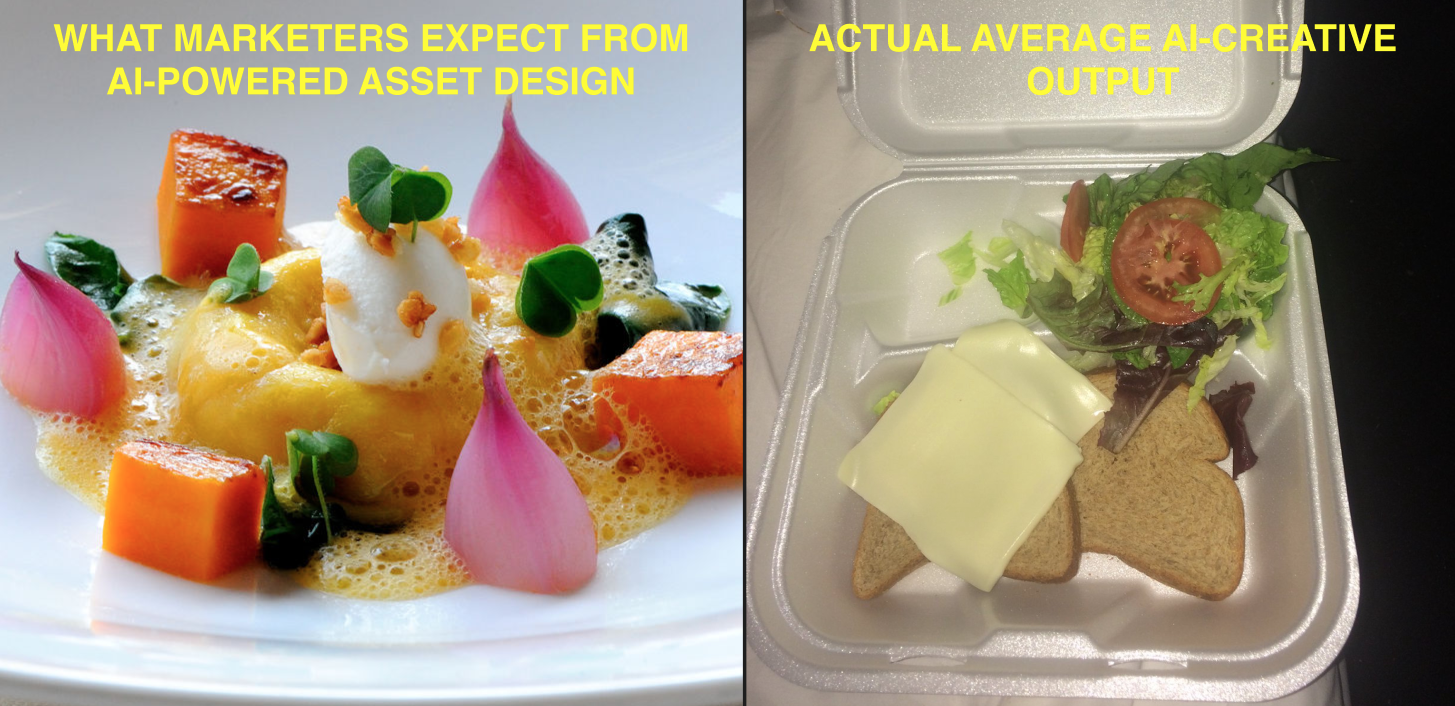
The second reason is a quality bar mismatch. Some of these tools might work fine for someone making lead-gen pages for their own AI automation business. But I’m making assets for high-visibility clients spending real money. I can’t present the quality level that most of these tools produce out of the box. The output isn’t bad. It’s just not premium or differentiated in-market. And turning a 70% output into a 95% output often takes longer than doing it a different way from the start.
The third reason is that everything changes constantly. The tools change every day. The LLMs themselves change almost every week. Content that was accurate yesterday is a dead end tomorrow. A workflow that worked great with one model might not work at all with the next. You can’t rely on any specific tool recommendation from three months ago, let alone three weeks.
For all three of these reasons, the only thing worth learning right now is a process that’s tool-agnostic and built on how the models actually think.
The Turkey Dinner Problem
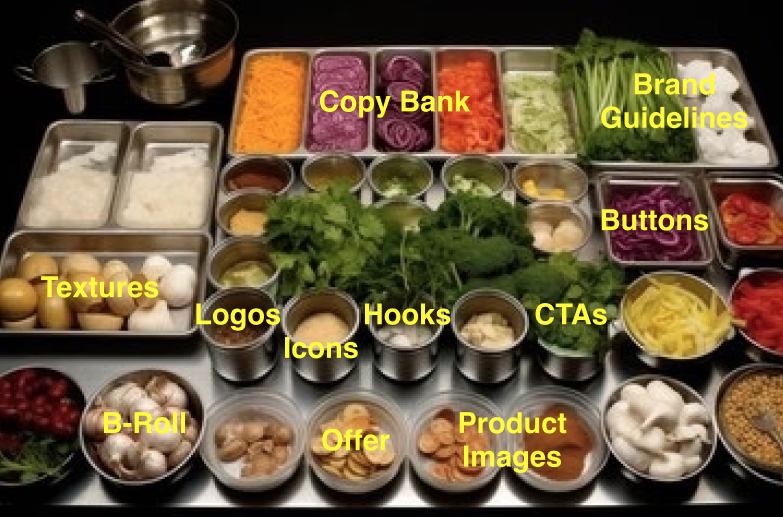
Taking a first principles approach: why is it so hard to get an LLM to produce creative assets? Here’s the analogy that changed how I think about this. Imagine you ask a chef to cook a four-course turkey dinner. They walk into the kitchen and all they have is potatoes. They’re going to be incredibly creative with those potatoes. They’ll make hash browns, mashed potatoes, an impressive potato soup. But it’s not going to be a four-course turkey dinner, because you can’t make cranberry sauce without cranberries. You can’t make gravy without turkey drippings. You can’t make a turkey if you don’t have a turkey.
This is exactly what happens when most people try to make marketing graphics with AI. They go straight into the tool and say, “Make me Instagram ads for next month’s campaign.” The tool does its best with what it has, which is essentially nothing, and produces something generic that could have been made for anyone.
A third of marketers say producing visual content consistently is their biggest struggle. According to Venngage research, eighty percent of marketers are using AI for content creation, per HubSpot’s 2026 State of Marketing report. But 39% of creative leaders worry about the quality of AI output (Superside’s 2025 Breakpoint Report). The gap between “we’re using AI” and “we’re making good things with AI” is enormous. And it’s almost entirely about preparation.
Manuel Bergin, AI Creative Lead at Superside, said: “AI can generate assets. Someone has to assemble those pieces into a narrative.” Cristian Ginori from the same team described it even more directly: “I’m the brain and AI is the hands. I focus on being very precise about what I need.”
The precise “right ingredients” part is what most people skip. And it’s everything.
What the Kitchen Actually Needs
When I think about what a (great) designer has when they make great ads for a client, the list is longer than most people realize. They have brand positioning and competitive landscape analysis. They have ICP profiles and user journey maps. They have key messages, value propositions, proof points, and statistical evidence to support every claim. They have voice exemplars that define how the brand sounds. They have visual brand guidelines with color palettes, typography, textures, and iconography. They have product screenshots, photography, B-roll video, and examples of best-in-class ads from competitors. None of this shows up by magic. A designer at an agency gets all of this from an intake process, from the strategy team, from the creative director. It often takes weeks to assemble.
When you’re working with an LLM, you have to create or collect every single one of these pieces yourself before you ask it to produce anything visual. If you skip this, you don’t know if you’ll get a turkey dinner or hibachi chicken.
The process I’ve landed on has five stages.
- The first is strategic foundations: positioning, ICP research, competitive landscape, key messages, value propositions, and proof points. This is the product marketing work that most creative projects depend on but that many teams have never documented in a format an LLM can actually use.
- The second stage is visual brand guidelines. This is where you decide the overall personality and aesthetic of the brand. Do you want minimalist with open space, or dense and technical? Do you want bright and organic, or dark and systematic? Those decisions inform every pixel of everything you’ll make going forward, and they need to be rooted in the positioning work from stage one. Your brand needs to look like it belongs where you’re trying to show up in the market.
- The third stage is the copy bank. You take the strategic foundations and translate them into 50 to 100 or more variations of headlines, subheadlines, and CTAs, organized by persona, campaign goal, and messaging wedge. Think of this as the menu of everything you might say, organized so you can pull the right message for any specific ad or email or landing page.
- The fourth stage is component gathering. Logos in all formats. Icons. Background textures. Photography. Product screenshots. B-roll video. Author headshots. Downloadable thumbnails. Everything that goes into the visual composition of a finished creative asset. Some of this you create. Some you buy from a creative marketplace. Some your client already has. But you need it all in one place and organized before you move to production.
- The fifth stage is assembly, and it’s the step most people try to start at. By the time you get here with all four prior stages done, the work goes fast. You’re just combining ingredients in different configurations for different channels and formats.
One thing this process taught me is a deeper respect for designers. I’ve worked alongside brilliant designers for years, but I never fully appreciated how many steps are involved, how much expertise each step requires, and how much time even simple things like masking backgrounds or building icon sets actually take. If you’re a designer reading this: I see you. There is so much more to this than I thought.
Why the Workflow Is Fundamentally Different
This brings me to the part that took the longest to realize accept. If you try to take the traditional design workflow and reverse-engineer it into an LLM-assisted process, it’s square peg, round hole. It doesn’t work because the ergonomics are different.
In the traditional workflow, a designer works in a visual environment like Figma and manipulates elements spatially. In an LLM-assisted workflow, you’re working in code: HTML, CSS, JSON, SVG. The design lives in text files before it lives on a screen. That means the tools that bridge code and visuals matter enormously, and the companies you’d expect to be furthest ahead on this are moving surprisingly slowly.
Figma has enormous revenue at stake. But their AI integrations are incremental at best. Superside’s research found that only 5% of businesses leverage design to its full strategic potential, and designers spend less than half their time on actual design work. The infrastructure isn’t built for the way AI-assisted design production actually needs to work.
What I’ve found is that newer tools built around code-native design, where you can push elements between a visual canvas and a coding environment, are far more useful for production than traditional design tools with AI features bolted on. The workflow becomes: build in code, review in a visual tool, tweak, push back to code, deploy. It’s not Figma’s workflow with AI sprinkled on top. It’s a fundamentally different loop.
I’ll go deeper into specific tools and tactical workflows in upcoming pieces in this series. For now, the important insight is this: the tools that work best for AI-assisted design are not necessarily the tools you’ve been using for human-driven design. And that’s okay. The output can be just as good or better. The path to get there is just different.
What to Do
If this resonates, here’s where to start. Not with tools, not with production. With documentation.
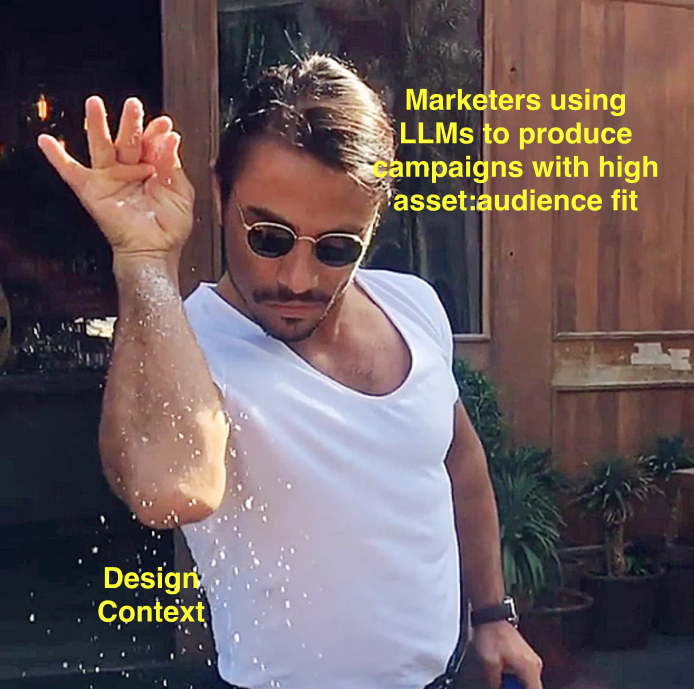
The biggest barrier to good AI-produced creative isn’t the technology. It’s that marketing teams don’t have a documentation culture the way engineering and product teams do. The strategic context that makes great ads possible, the positioning, the brand personality, the key messages, the visual rules, all of it lives in people’s heads. Not in files. If it’s in your head, the LLM doesn’t know it. And if the LLM doesn’t know it, it’s going to pull from generic information on the open internet to make your graphics. Which is why they look generic.
Superside’s research confirmed this: custom AI systems trained on documented brand context dramatically outperform generic prompts. Daniel Bell, Design Manager at Booking.com, framed it as: “The brand is our north star. If we’re telling the story right, we’re hitting that consistency.” The north star has to be written down for AI to follow it.
- Start by taking stock of what you already have versus what needs to be created versus what just needs to be written down. Most teams have made positioning decisions, brand aesthetic decisions, messaging decisions. They just haven’t documented them anywhere an LLM can access.
- Next, translate those documents into formats LLMs can read precisely. I see a lot of people providing screenshots as context: “Here’s a website I like, make something similar.” That approach is maybe 40% effective. The machine can’t reliably interpret flat graphics. You need to translate visual references into something like a JSON config file with design tokens, including colors, typefaces, spacing values, and texture rules, that the system can reference precisely and consistently. This is a key unlock— more on that, later.
- Then work on your campaign brief structure. A good brief gives the LLM everything it needs in one document: who you’re advertising to, what the offer is, which channels, what the CTAs are, what success looks like. I use a version of Emily Kramer’s GACCS format and improve it after every campaign. Comment BRIEF and I’ll send you a copy.
Don’t try to build all of this in a day. Just start with the documentation. Get the strategic underpinnings out of your head and into files. The next time you sit down to make creative with AI, give the LLM all those context files and watch how much better the output gets. Take it from there.
This is the first piece in a series on go-to-market asset creation with AI. Go deeper into each stage: strategic foundations, the copy bank, component gathering, and the production workflows for bulk ads, landing pages, and more in Part 1: Strategic Foundations— What the LLM Needs Before it Makes Anything.