AI Tool Review: I Spent a Week With Jasper.ai So You Don't Have To
AI marketing tools are selling pretty interfaces over substance, and marketers are paying $70+/month for what native LLMs do better for free.
Why am I reviewing AI marketing tools?
I’m starting something new. A product review series for AI marketing tools, tested by someone who actually builds with AI every single day.
Here’s the thing about most AI tool reviews: they’re written by people who signed up, clicked around for an afternoon, and told you whether the interface looked nice. That’s not a review. That’s a first impression.
I’m coming at this differently. I am a full-time, AI-native growth leader. My entire job is building AI workflows to replace what used to take a 10-person marketing team. I’ve built custom AI workflows for content production, campaign operations, ad creation, client onboarding, reporting, and more. When I test a tool, I’m not asking “is this cool?” I’m asking a very specific question: is this better than what I can build myself using native LLMs like Claude and ChatGPT?
That’s the bar. And it’s the bar that matters for you, too, whether you realize it yet or not.
I hope these reviews save you time and money. I’ve been speed-running trials of about ten of these tools over the past few weeks, pushing each one to its limits in just a few days (because who wants to accidentally pay after the “free trial” ends). The goal is simple: tell you whether the tool is worth your money, who it’s actually built for, and what you should use instead if it’s not.
Think of this like a Good Housekeeping seal for AI marketing tools. Except instead of testing dishwashers, I’m testing whether that $70/month subscription actually outperforms a well-written prompt.
Let’s start with one of the biggest names in the space.
The Tool: Jasper
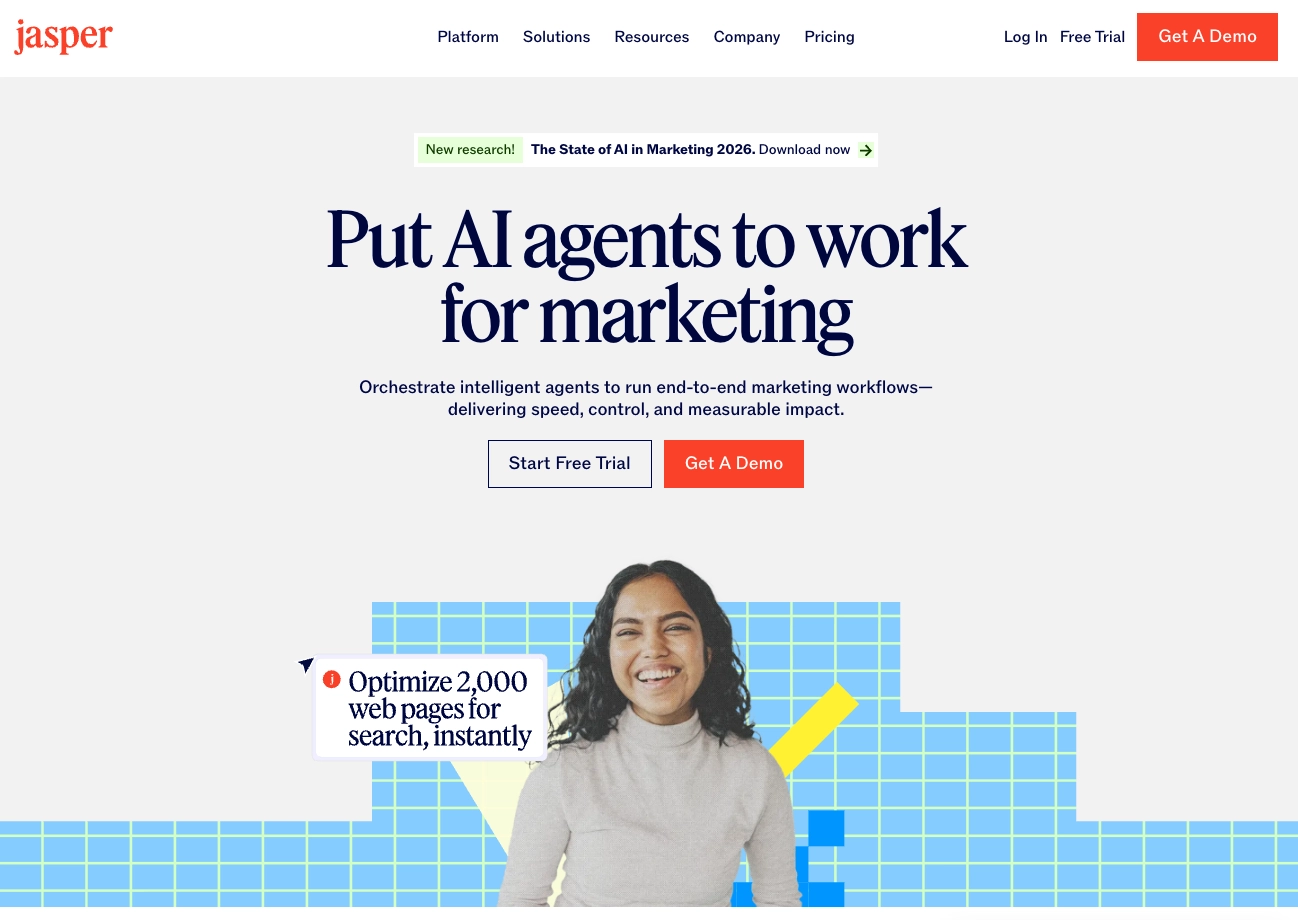
Jasper positions itself as an AI-powered asset creation platform for digital marketing teams. If you’ve spent any time in marketing circles over the past couple of years, you’ve heard the name. They’ve built significant word of mouth, raised over $125 million in funding, and positioned themselves as the go-to AI writing and content tool for enterprise marketing teams. Their competitive set includes tools like Copy.ai, Writer, and Anyword on the copywriting side, and they’re increasingly trying to compete with broader creative platforms.
The Pro plan (which is what I tested) runs $70 per month per seat. You get one seat and a maximum of two brand voices. If you’re an agency or freelancer managing multiple brands, that means $70/month per client, minimum, and more if the client has more than two distinct voice profiles. For a team of five, you’re looking at $350/month before you’ve produced a single asset.
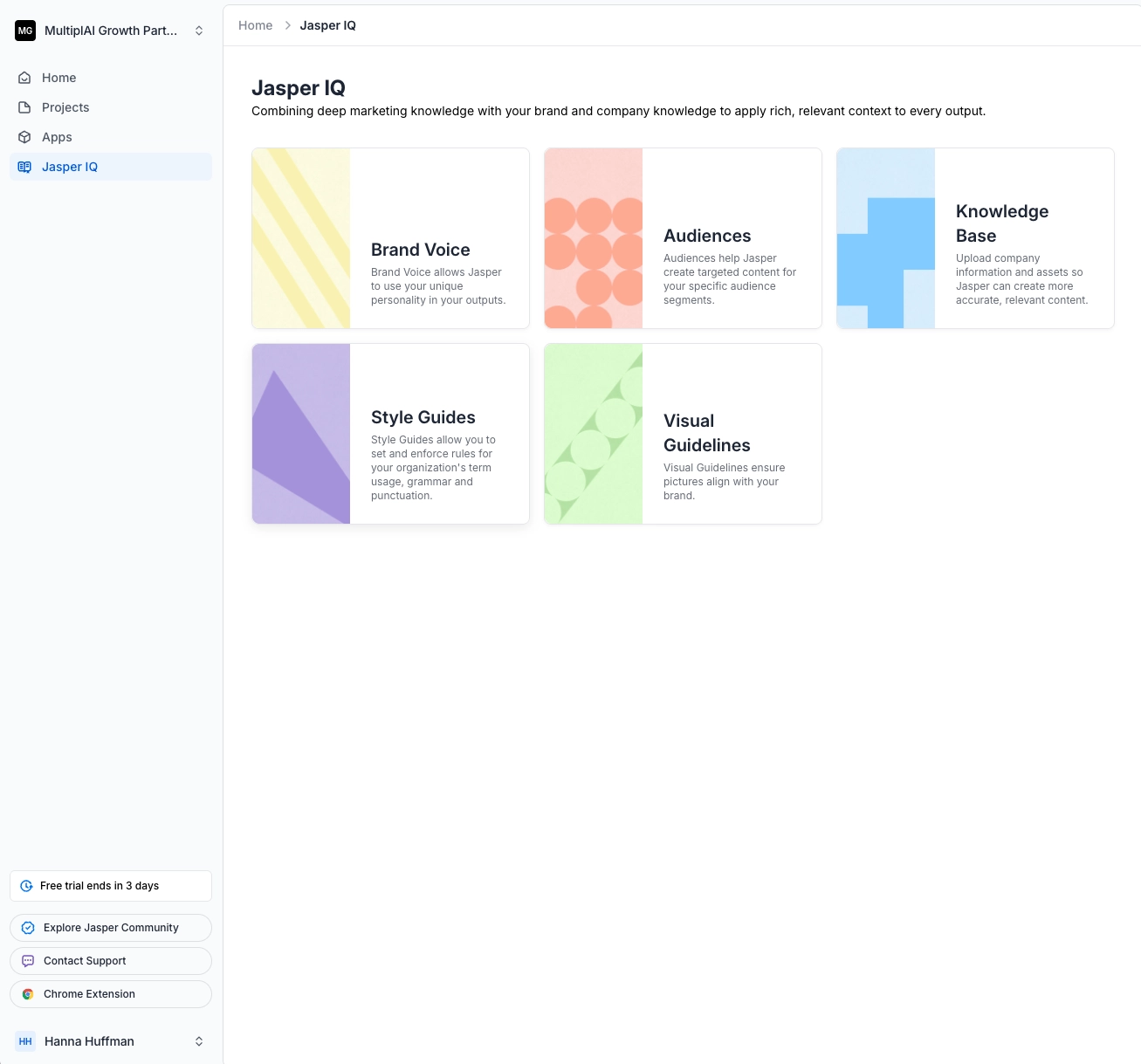
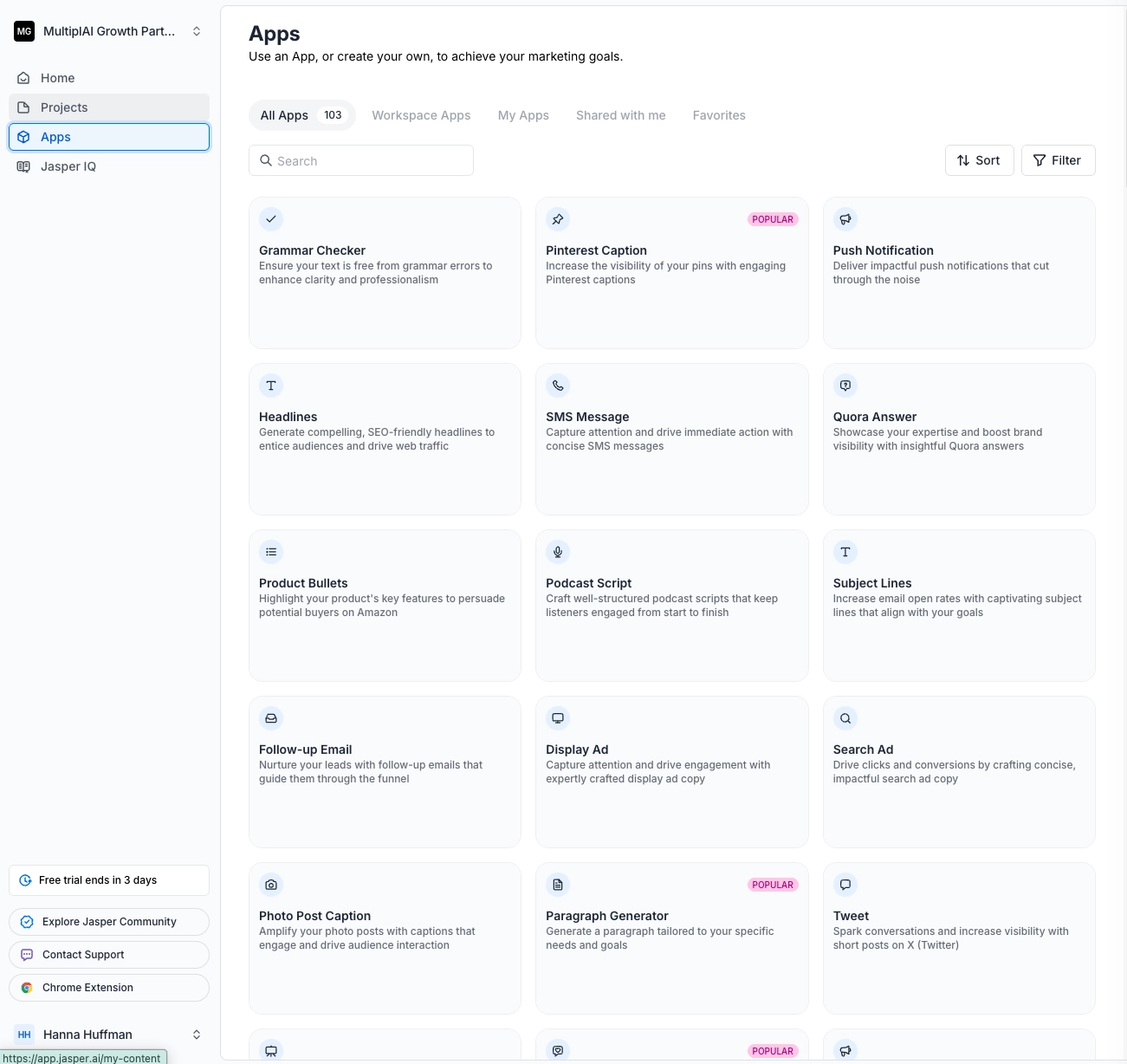
They offer what they call “Jasper IQ,” which is essentially a knowledge base where you load brand voice documents, audience profiles, style guides, and other context. The idea is that the more context you feed it, the better the outputs. They also have an “Apps” section with pre-built prompt templates for different marketing tasks and a workspace feature for team collaboration.
On paper, it sounds like exactly what a scaling marketing team needs. In practice, it’s a different story.
Bottom Line Up Front
I do not recommend Jasper for most use cases.
If you are a solo marketer or small team with even basic familiarity with ChatGPT or Claude, you will get better results from native LLMs at a fraction of the cost. If you are a founder evaluating AI tools for your marketing function, there are dramatically better options for the money.
The one scenario where Jasper might make sense: you manage a large team of non-technical marketers who need a controlled, branded environment with pre-built prompt templates, and you need governance over what prompts they use. Even then, I’d argue you could build something better internally with ChatGPT Teams or Claude for Work at a lower per-seat cost. But if you genuinely need a “managed prompt environment” and don’t want to build one, Jasper is functional for that.
For everyone else, including agencies, freelancers, growth teams, and especially founders, skip it.
What I Liked
I want to be fair. There are things Jasper does that aren’t nothing.
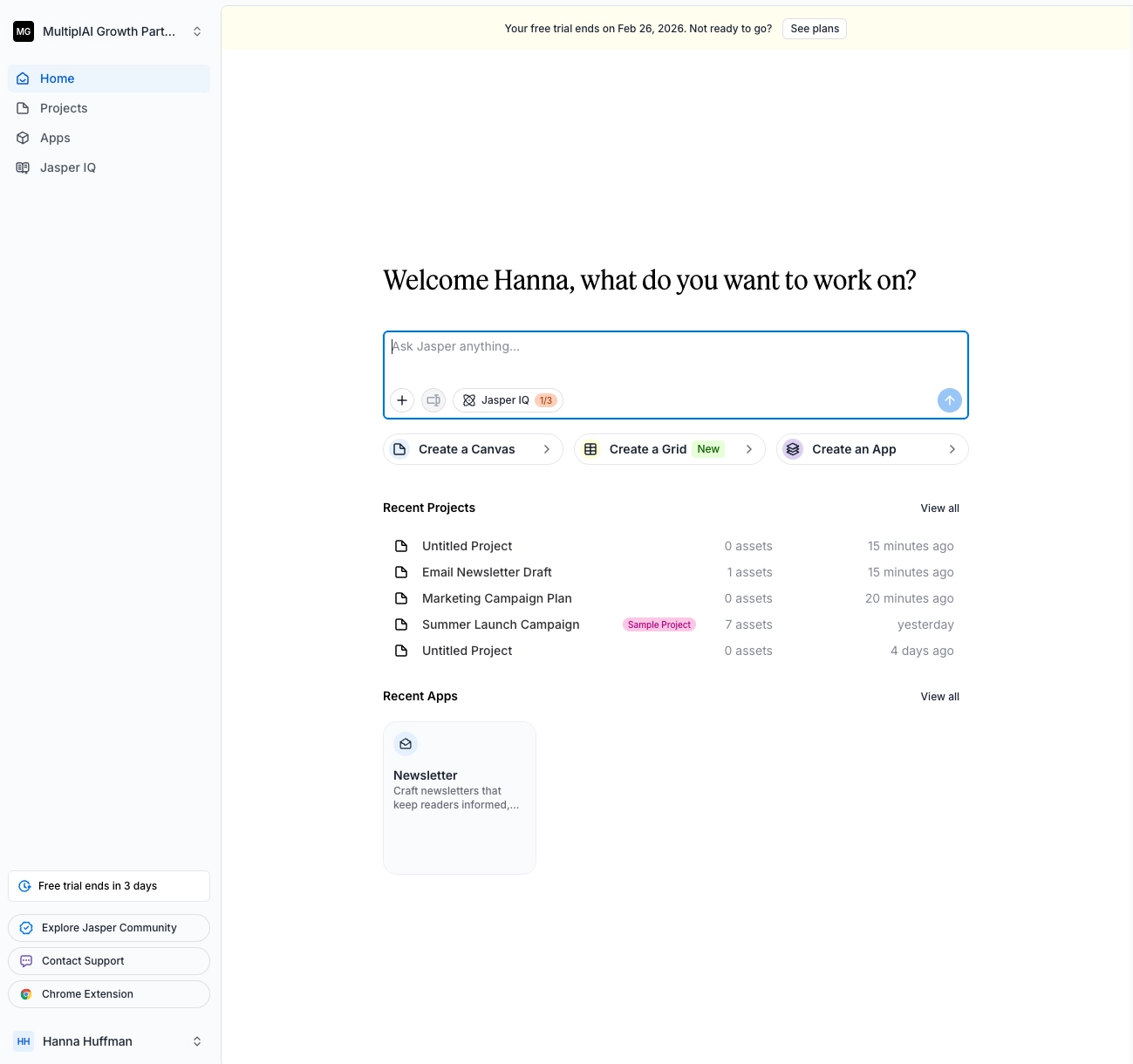
The Jasper IQ knowledge base is a solid concept. Being able to load brand voice documents, audience research, and strategic context into a centralized system that informs every output is the right idea. The interface for managing this information is clean and well-organized. You can set up audience profiles with buying triggers, use case requirements, and detailed descriptions. It asks good questions during setup.
The Apps section, while essentially a prompt library, does reduce friction. When you click “Generate a Pinterest caption,” it pre-loads the relevant prompt, pulls in your brand context, and gives you structured fields to fill in. For someone who doesn’t know how to write a prompt from scratch, this is genuinely helpful as training wheels. It removes the blank-page problem.
The workspace and team features are thoughtfully designed. If you’re trying to give a team of ten people access to the same brand voice and the same set of marketing prompt templates, the collaboration layer works. You can see what others have generated, share outputs, and maintain consistency across the team.
And the UI itself is polished. Jasper clearly invested in making the product feel premium. Everything loads quickly, the design is modern, and the onboarding flow is smooth.
What I Didn’t Like
Here’s where it falls apart, and it falls apart in the places that actually matter.
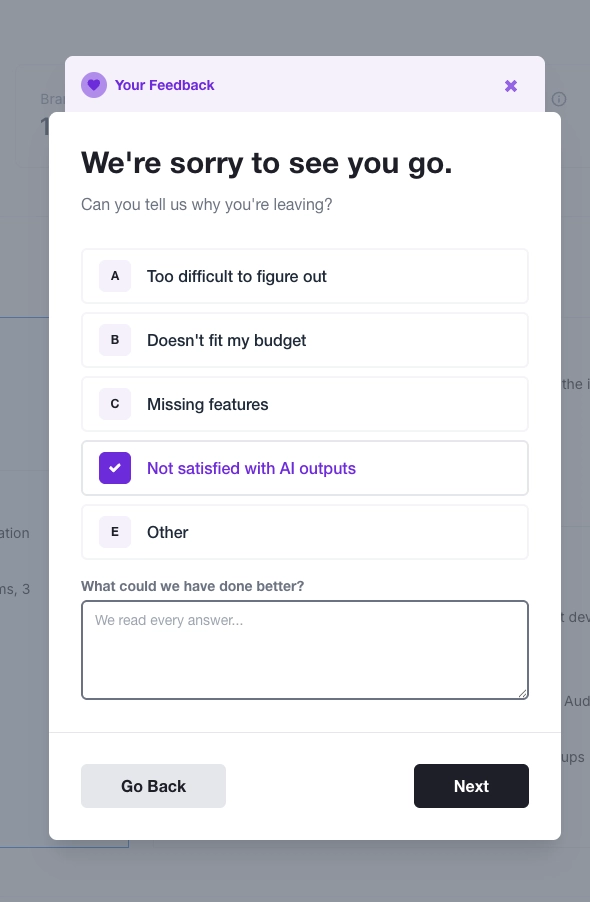
The output quality is poor. I went in with a hypothesis: maybe the people complaining online just weren’t giving Jasper good inputs. AI is as good as what you give it to work with, right? So I loaded everything. I uploaded the full brand voice document I create for every new client, which is an extensive strategic artifact. I populated every audience field with real research, including buying triggers, use case requirements, detailed persona descriptions. I gave it more context than most users ever would.
The result? I asked it to draft an email newsletter. What I got back was something I’d be embarrassed to send. If I had gone into base ChatGPT with a well-written prompt and the same context, the output would have been meaningfully better. I’m not exaggerating for effect. The quality gap was real.
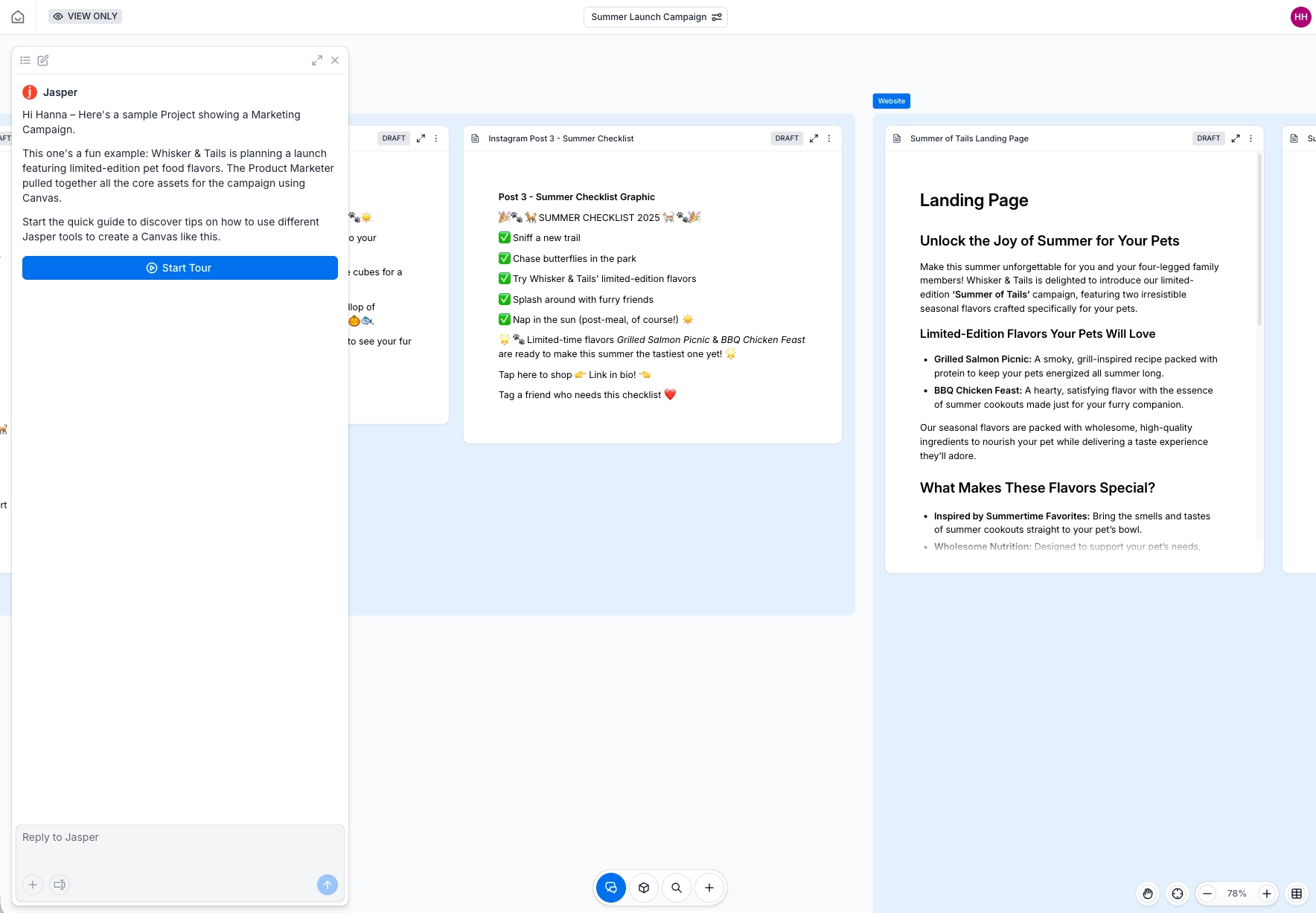
Their own example campaign assets (the ones they show new users during onboarding) aren’t good either. These are supposed to be the best-case showcase. If you’re paying $70 a month and your clients are paying you $10,000 a month to produce assets, what Jasper generates out of the box is not going to cut it.
The workflow model doesn’t match how marketing teams actually work. Take the Pinterest caption generator. Jasper has you generate one caption at a time through a chat-style interface. In reality, if I’m producing Pinterest content for myself or a client, I’m doing bulk creation in a Google Sheet, generating 20 to 30 captions at once with variations. That’s how it works inside ChatGPT or Claude. One-at-a-time generation through a chat box is a step backward.
The Apps are fundamentally just prompts with a form UI. When you peel back the pretty interface, you’re looking at a prompt library that auto-fills into a chat. You can build this yourself. You can save prompts in ChatGPT Projects, Claude Cowork folders, markdown files in Cursor, or even a shared Notion board for your team. The $70/month is buying you a nicer-looking container for something that’s free everywhere else.
And this is maybe my biggest issue, the one that goes beyond Jasper specifically: tools like this don’t teach you how AI actually works. When you use Jasper, you’re filling in form fields and clicking “generate.” You never learn how to write a prompt, how to structure context for an LLM, how to iterate on outputs, or how to build reusable workflows. It’s like learning to play Call of Duty with auto-aim. You might hit the target occasionally, but you’re not building the skill that matters… you know who you are 👀.
When the underlying models improve (and they will, rapidly), someone who learned prompting natively can immediately take advantage. Someone who learned through a form-based wrapper is stuck waiting for the wrapper to update.
Better Alternatives
If you’re looking for AI-powered asset creation, here’s where I’d point you instead.
For landing pages and B2B sales assets, I’d look at Mutiny. I went into Mutiny with low expectations and came out genuinely impressed. I gave it a single URL, nothing else. It pulled the brand’s copy, proof points, and visual style from the website. It built a landing page from scratch that looked amazing. It generated the section agenda on its own. It even found the Calendly booking link on the source website and automatically wired all the CTA buttons to it. The ratio of input effort to output quality was night and day compared to Jasper. Mutiny is more B2B and sales-enablement focused than general-purpose DTC, but for that use case, it’s excellent.
For general content creation and copywriting, use Claude with a writing style and a skill trained to write what you want how you want it. I know that sounds dismissive, but hear me out. If you ask ChatGPT or Claude to help you write a great email newsletter prompt, it will walk you through exactly what information it needs. Save that prompt. Use it again. Each time, tell the LLM what worked and what didn’t, and ask it to improve the prompt. Within a few iterations, you’ll have a custom workflow that outperforms anything Jasper generates, and it cost you $20/month instead of $70. Once you get used to the prompt method, graduate to the skill method. Once you have a bunch of skills made, add some of the before and after steps and turn them into an agentic workflow. Now, you’re cooking (and saving hundreds of dollars a month on a Claude wrapper).
For team prompt management (the one thing Jasper does reasonably well), consider ChatGPT Teams, Claude for Work, or even a simple Notion board with your prompt library. If you want something more structured, you can build custom GPTs that are private to your team, or save prompt files in a shared Google Drive that team members connect to their Claude sessions. If you’re team is more advanced, build a React app or Claude Cowork folder structure to store your commonly used skills. Honestly, you don’t need Jasper.ai to do this— you just need some help from another teammate or team manager that’s set this up already.
For bulk content production (social captions, ad variations, email sequences), Claude Code or Cursor with a well-designed skill file will produce dramatically better results. You can build a workflow that generates 30 LinkedIn post variations in a single run, maintains brand voice consistency, and outputs directly to a Google Sheet for scheduling. That’s not a hypothetical. That’s how I actually do the work.
What to do?
If you’re currently paying for Jasper, run a head-to-head test before your next renewal. Take your best Jasper output from this month, then spend 30 minutes crafting the same asset in ChatGPT or Claude with a detailed prompt. Compare the results honestly. If the native LLM output is comparable or better (and I believe it will be), you just saved yourself $840 per year per seat.
If you’re evaluating AI tools for your marketing team, benchmark every tool against this question: “Does this produce better results than what I can get from a $20/month ChatGPT Plus or Claude Pro subscription with a well-written prompt?” If the answer is no, the tool is selling you a user interface, not a capability.
If you’re intimidated by native LLMs and that’s why you’re drawn to tools like Jasper, start here. Open ChatGPT or Claude. Type: “I want to create an email newsletter draft. I’ve never used you for this before. Tell me how to write a great prompt so you give me great output, and what information you need from me to make it even better.” Save whatever it gives you. Use it. Improve it. Within a week, you’ll wonder why you ever considered paying $70/month for someone else’s prompts.
If you want to see how I actually build AI marketing workflows (the ones that replace tools like Jasper entirely), let’s chat. Subscribe to this newsletter where I break down exactly how I build these systems, every week.